Patch notes
Web update: public rooms, emotes and a new how to play
Play the Party Quiz with anyone in public rooms, react with twelve emotes, and learn the game with a new how to play and a practice round.
Here’s what’s new in Fateen on the web, at fateengame.com/play. Most of it comes to the iPhone and Android apps with their next update.
What’s new
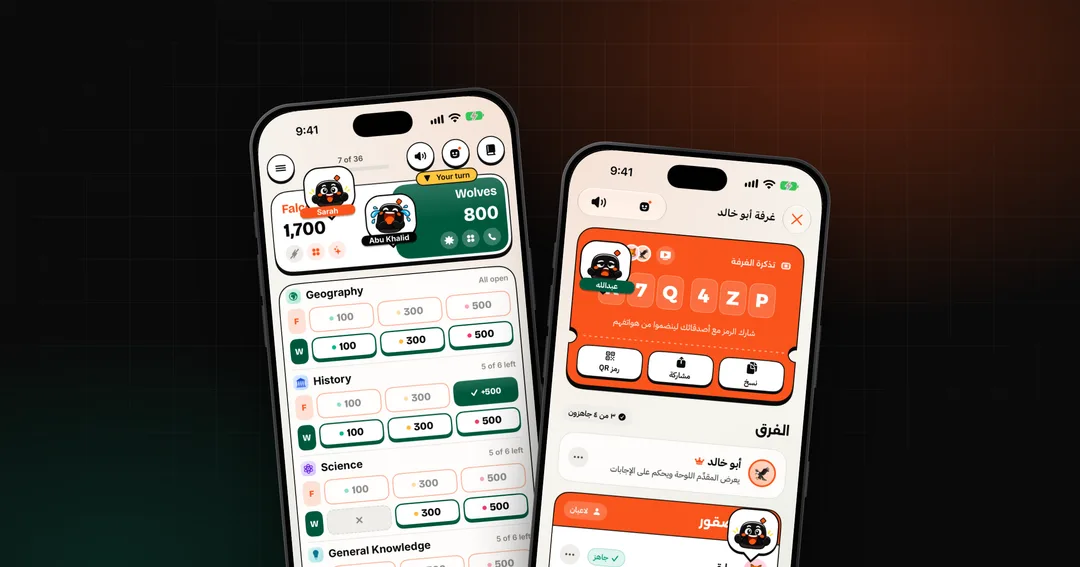
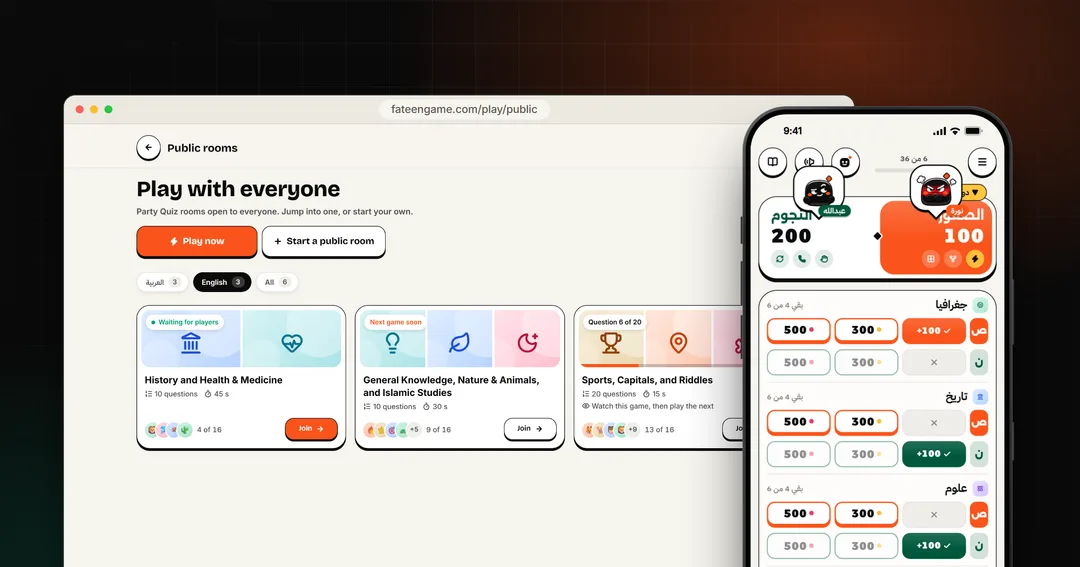
- New Public rooms. Tap “Play with everyone” on home to jump into a Party Quiz with players anywhere, or open a room anyone can join without a code. Rooms in your questions’ language come first.
- New Emotes. React in any game with twelve animated emotes, from the key in the top bar: each one pops over your avatar for everyone in the room.
- New A new how to play. Say who’s playing and it points you to the right game, shows each mode in a short preview, and lets you try the Party Quiz in a practice round. It’s under “How to play” on home.
- New Practice while you wait. In a Party Quiz lobby, play three questions and a final against practice players while your friends join. Your room stays open, and practice rounds don’t count on the leaderboard.
- New Watch a game that’s on. Join a room whose game has started and you watch it, then play the next one.
- New Your home country. Pick it in your profile for more questions from where you’re from.
- New An inbox. Messages from us wait in the inbox on home, to read when you like.
- New New sounds. A new set of sound effects for the board, the clock and every key. The speaker key on every game screen mutes them in one tap, or press M on a keyboard.
Changes
- Changed Time’s up counts what you typed. In the Party Quiz, when time runs out, what’s in the answer box goes in as your answer, with the points you picked. An empty box counts as a miss on your lowest points left, never the ones you picked.
- Changed Party Quiz cards name the category only. A question’s card no longer says how hard it is. The final’s level is still the one you vote for.
Fixes
- Fixed Autofill. Filling in your name with your browser’s autofill no longer stops the game with an error.
- Fixed Block’s icon. The Block lifeline’s hand no longer looks smudged.